
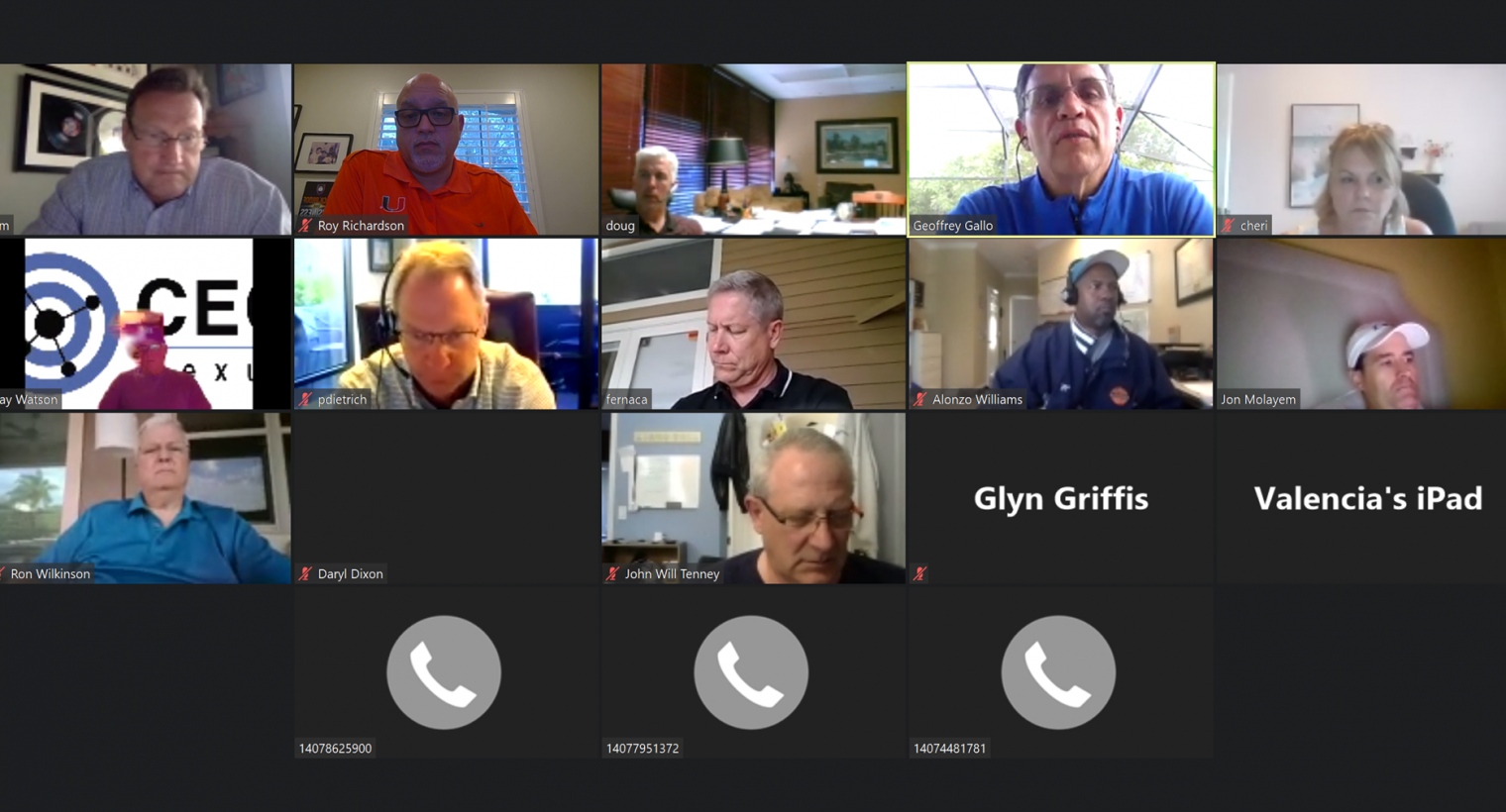
 We have been doing virtual meetings (using Zoom) for over a year now, and it has greatly enhanced our business. We wanted to share with you a few tips to better enjoy ZOOM (and other virtual platform) meetings:
1: A few etiquette items:
- a: Mute your mic when you aren’t speaking. It’s distracting to hear background noise. Also, turn off your camera when you are stepping away (or other reasons.) Get familiar with your interface so you can find those buttons quickly.
- b: Be on time. Set a calendar notice for the meeting. Just like walking in to a physical meeting late is disrupting, so is joining a virtual meeting late. This avoids the host having to go back and do things over.
- c: “Virtual Background” option. Make sure it works properly and is not distracting. Also, do something personal and not a company logo or similar. Our research shows that people view that as “selling” and most people don’t want to be sold.
- d: Use the chat feature for conversations that could better be handled privately. Especially in large meetings be conscious of how much time you are taking up when you are speaking. By the way, in Zoom, you can save the chat in to a text file if you saw good information in there.
- e: Consider using the app on your phone instead of just calling in. You have the video and chat options open to you that way.
- f: Silence your phone! Same rule for in person meetings too 🙂
- g: Be careful eating and drinking with camera and mic on. Can be noisy and distracting.
2: Screen sharing
- a: A little goes a long way. Zoom is much better in the tile mode, like the image at the top of this article. Leaving it on screen share the whole time knocks those more than 5 people off the screen and requires some mouse juggling to see everyone. We have learned to click the STOP SHARE button often during meetings, so we can see each other better.
- b: While the host may have enabled screen sharing for others, it is considered bad form to share a screen without asking permission first. People have done that in our meetings and we found it quite disruptive. When in doubt, ask.
- c: Be careful what you share! Many of us deal with confidential information. You want to be careful not to share things like client lists, log in screens, and other sensitive information.
3: Have an Agenda.
Always a good idea for a meeting anyway. Consider emailing an agenda to your participants in advance as to facilitate your meeting.
4: Schedule time for questions.
Schedule the Q&A time but consider limiting the individual time for each one. It is not a bad idea to have a timer to limit it to say, 2 minutes, in large groups.
5: Check your camera view
Check around your office to make sure you are comfortable with what you are showing the world. We have seen some pretty shocking things, which we would rather have not seen, by accident.
If you have any suggestions, or constructive criticism, we’d love to hear it. Please use the form below.
[caldera_form id=”CF5af989b40f4ac”]